Tap a letter and watch it turn into a mango, a cat, a kite — then hear its name in Bangla and English. The picture never changes; only the letters and the voice do. That's how children learn that languages are different names for the same world.
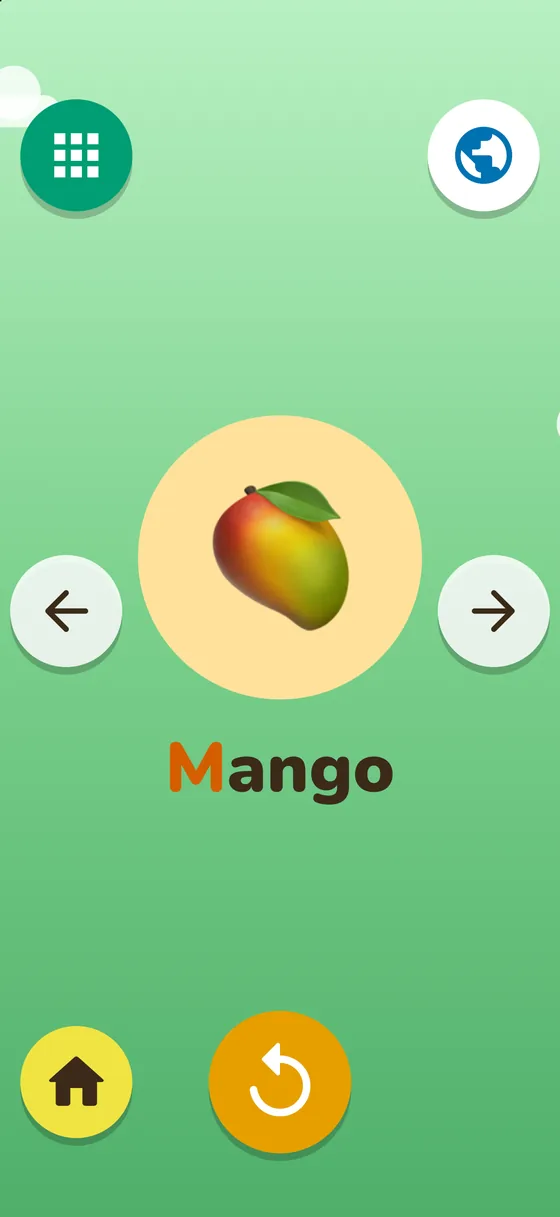
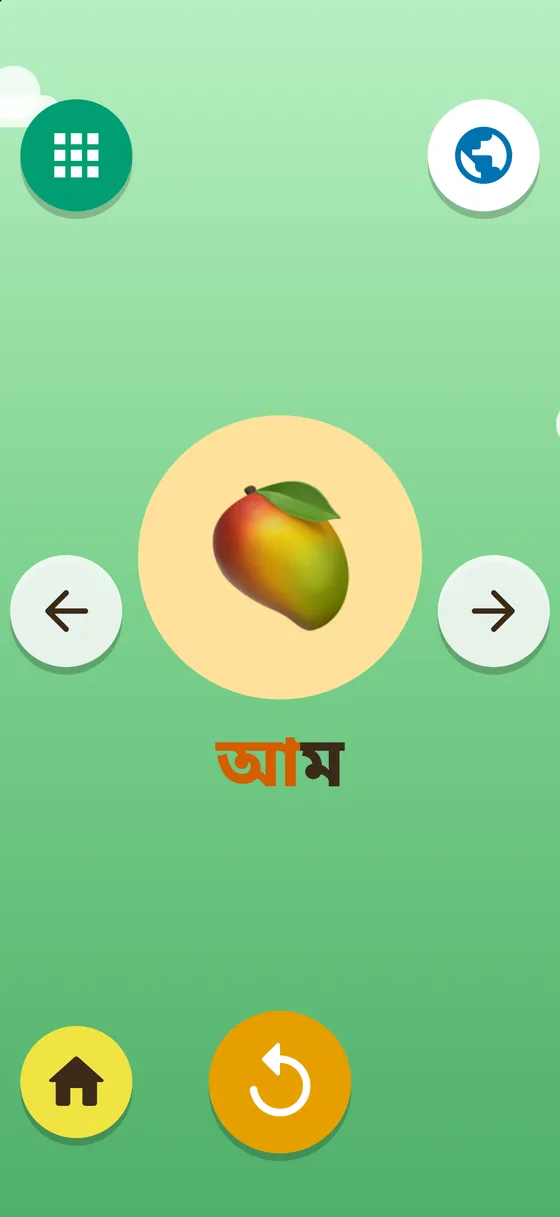
The same mango. Mango in English, আম in Bangla.
Every screen is pictures, big buttons and a friendly voice. A child who can't read yet can use all of it alone.
Every letter is a little creature. Tap it: it says its name, turns into its picture, then says the word.
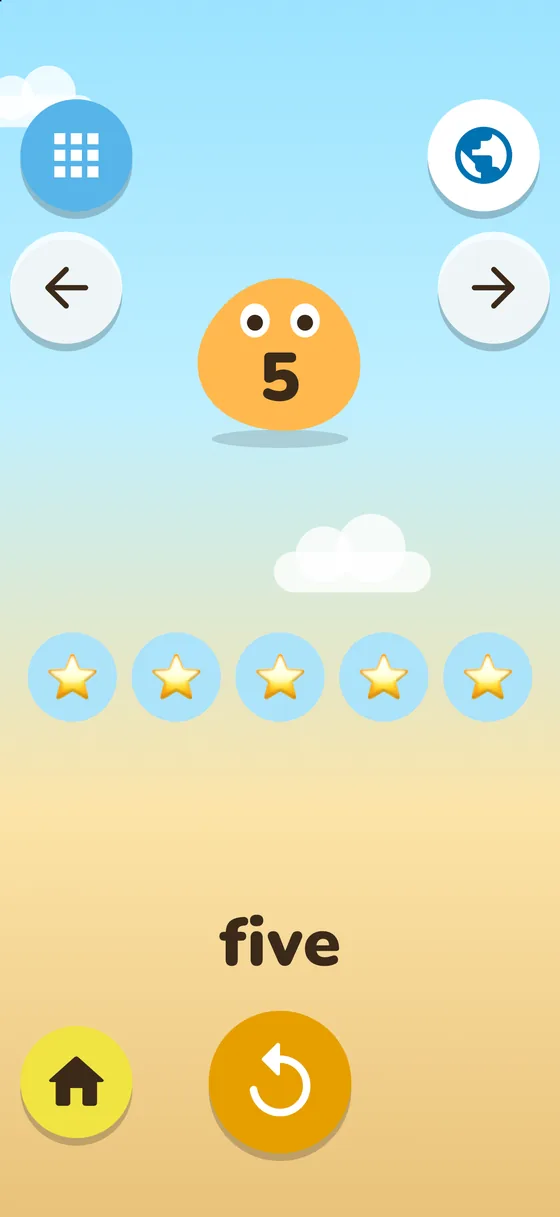
Count from 1 to 20. Objects pop in one by one while the voice counts along, then says the number.
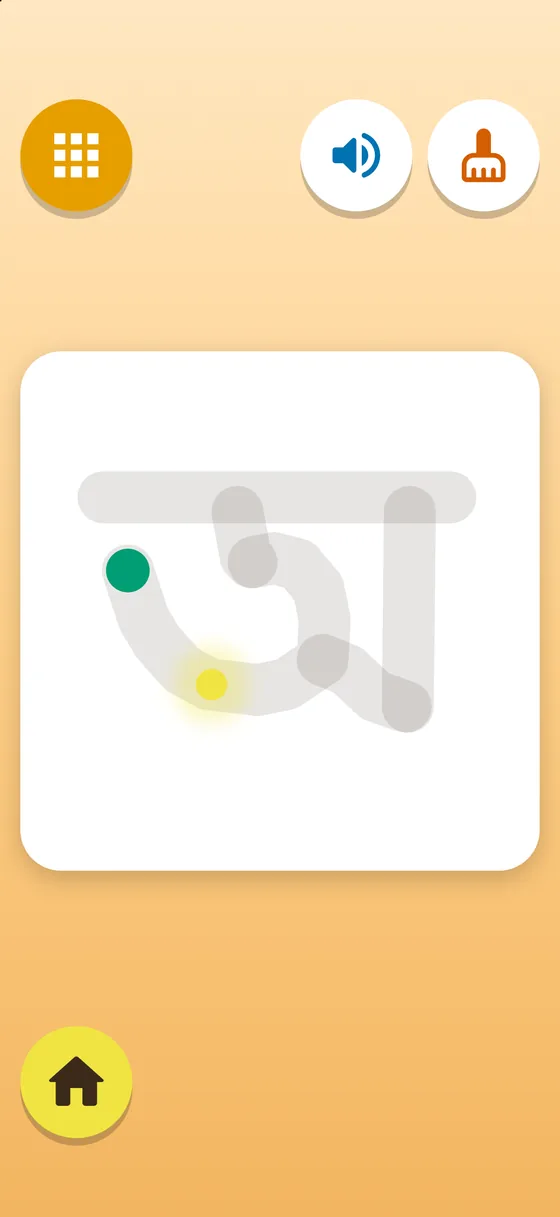
Trace letters and numbers with a finger, stroke by stroke, in the right order. Wrong strokes just fade away.
Letter Jigsaw, Shadow Match and Bubble Pop. A new puzzle loads by itself when one is done.
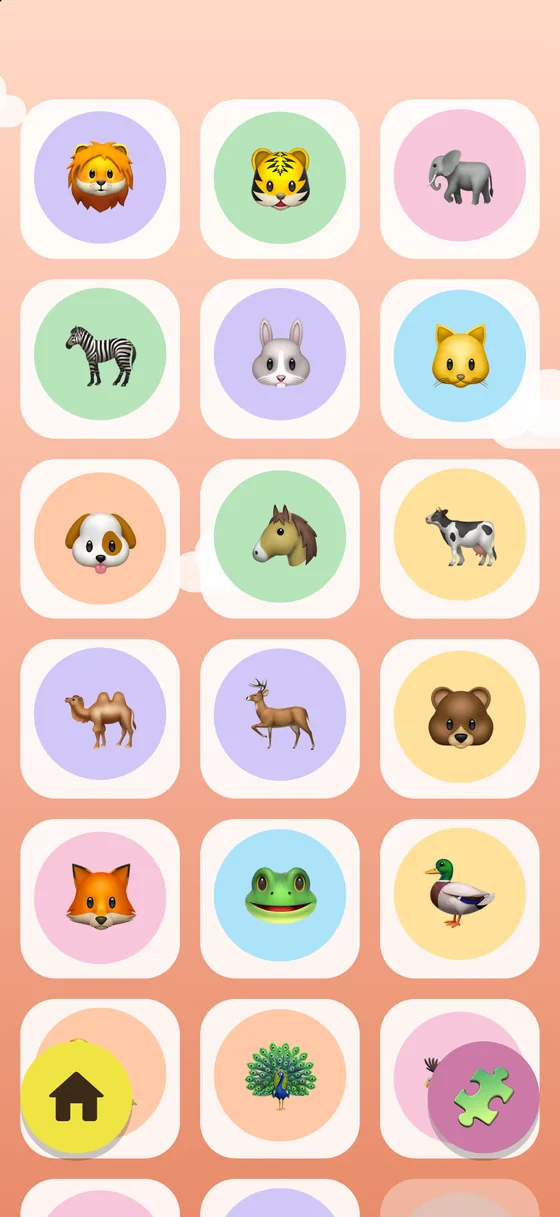
Twenty-four animal stickers, earned by playing. Tap one to hear its name in the chosen language.
On any letter, tap the globe to hear the same picture named in every language the app knows.
Most apps teach English letters with one set of pictures and Bangla letters with another. Letter Zoo uses one shared world: the mango that stands for M is the very same mango that stands for আ. Flip the flag on the wooden sign and nothing but the letters and the voice change.
Tap the lock in the bottom-right corner of the home screen and answer the question for grown-ups (a small multiplication, written in words). There you can choose the languages, set a daily play-time limit, reset stickers and read the privacy policy.
Tap a flag on the wooden sign at the top of the home screen. To hide a language from your child, switch it off in the Parent Area.
In the Parent Area, under Daily play time, tap Add 15 minutes for today, or change the limit. The count starts again from zero every day.
Turn the volume up with the side buttons, and check that no Bluetooth headphones or speaker are connected. The voice plays even when the device is on silent.
No. Updates keep everything. Only deleting the app removes stickers and settings, because they are stored on the device and nowhere else.
Please do. Write to ashik.nwu@gmail.com with the letter and what you heard. Every message is read.
 Letter Zoo